 Degchi
How to Track Your Pantry with Have, Low and Out
The Degchi guide · Part 2 of 15
The problem with exact quantities
Imagine logging "437 g basmati rice" after every shop. By the second week, you stop. Most pantry apps die this way, because they ask for precision that real kitchens never have.
Degchi takes a looser, more honest approach. Every ingredient is in one of three states:
- Have: it is in the kitchen and you are fine.
- Low: there is some, but it is running out.
- Out: it is gone.
That is all. You can add a quantity (the field suggests something like "2 kg") if you enjoy that, but it is optional and nothing depends on it.
This is the second post in the Degchi App Guide. If you have just installed the app, the previous post, How to Set Up Degchi in Five Minutes, covers the first pantry fill.
The Pantry tab
Open Pantry and you see your items grouped by type, such as Vegetables, and Lentils, Rice & Flour. At the top there is a count of how many items you have, a search box ("Search potato, yogurt, spices…") and four filters: All, Have, Low and Out, each with a number beside it.
Tap any item to open its sheet. From there you can:
- change the Status to Have, Low or Out
- add a Quantity, if you want one
- switch on Always have (staple)
- remove it from the pantry (there is an undo straight afterwards)
The status change is the part to remember. Move something to Low or Out and Degchi puts it on your shopping list at once, with a short message such as "Coriander → Out · on your list". You did not have to write a list. The list wrote itself, and we show how it works in Your Shopping List, Built from Your Pantry.
Cannot find an ingredient? Search for it, and if it is not there you will see an option that reads "Can't find (what you typed)? Add it". Tap the + button to create your own, with a name, category and icon.
Quick check: the one-minute habit
Pantries drift. You finish the ghee on Tuesday and forget to mark it. Quick check fixes this.
Tap Quick check and Degchi shows one ingredient at a time, asking "Still in your kitchen?" It also tells you what you said last time. Then:
- swipe right for Have
- swipe left for Out
- or use the Out, Low and Have buttons under the card
At the end you see "Pantry updated!" and how many items moved to your shopping list. Mistakes happen, so there is an Undo.
A good rhythm is a Quick check after you shop, and another before the weekly grocery run. It takes about a minute for a typical kitchen.
Staples: things you never want to babysit
Salt, oil, water and basic spices are in almost every kitchen. If you had to mark them Have every time, you would be annoyed, and a recipe would say "missing salt" for no good reason.
Mark them with Always have (staple), or manage the whole list in Me, then Pantry staples. Degchi's own note says it well: "These are assumed present even if you never mark them Have." So they never block a recipe.
An example from a real week
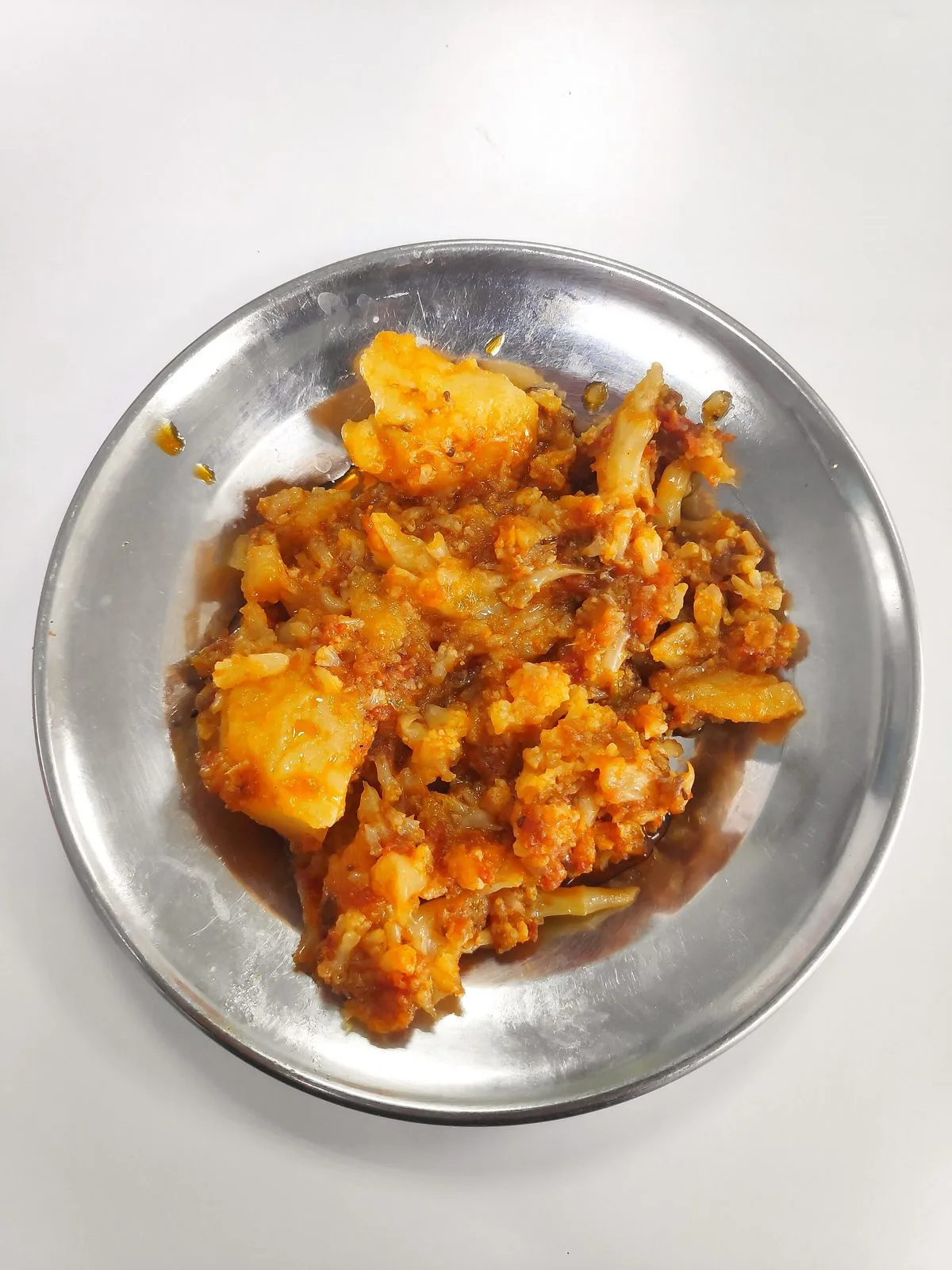
Say you plan on aloo gobi one evening. It needs potato, cauliflower, onion, tomato, ginger, garlic, turmeric, red chilli powder, oil and salt. Your Pantry shows the cauliflower as Out, so Degchi already put it on your list, and the dish will show up as "Almost there" until you buy one cauliflower. Meanwhile, aloo palak might still be fully cookable. No notebook involved.
Why three states are enough
Three states are quick enough that you will actually use them. That keeps the pantry roughly right, and a roughly right pantry is all you need for good suggestions. Quick check and staples take away the two chores that kill other apps: forgetting to update, and fiddling with salt.
The payoff comes next, when Degchi uses your pantry to answer the big question. We cover that in How Degchi Works Out What You Can Cook Today.
Start tracking
Degchi is a free beta, and joining takes only a Gmail address. Join the Degchi beta, fill your pantry once, and let the app keep the list from there.
All posts in this guide
- The Degchi App Guide: Every Feature, Explained Step by Step
- How to Set Up Degchi in Five Minutes
- How to Track Your Pantry with Have, Low and Out
- How Degchi Works Out What You Can Cook Today
- Reading a Degchi Recipe: Metric, US Cups and Servings
- Cook Mode in Degchi: Step-by-Step Timers That Ring
- Your Shopping List, Built from Your Pantry
- How to Set Up Your Family in Degchi
- How to Settle "What's for Dinner?" with a Family Vote
- Dish Requests and Weekly Helpers: Getting Everyone Involved
- Meal Times and Reminders: Never Wonder at 6 pm Again
- Add Your Own Family Recipes to Degchi
- Degchi in Urdu, Hindi, Bangla and Arabic: One Kitchen App, Six Languages
- Guest Mode, Google Sign-In, Backup and Privacy in Degchi: What Gets Stored
- Cook Your First Dish in Degchi: Split Chickpea Lentils (Chana Daal)
- Five Weeknight Dishes You Can Cook from a Small Pantry
Recipes with potatoes Recipes with yogurt Recipes with tomatoes Recipes with ghee
Related recipes


Related posts

How to Set Up Degchi in Five Minutes
Setup is the part most apps make tedious. Here is exactly what Degchi asks, why it asks, and how to get to your first list of dishes quickly.
Five Weeknight Dishes You Can Cook from a Small Pantry
Eggs, onion, tomato, lentils and a few spices cover a surprising number of dinners. Here are five real recipes, and how Degchi shows which ones you can cook right now.
How to Set Up Your Family in Degchi
Dinner is a family decision, so the app should be too. Here is how to create a family in Degchi, invite everyone safely, and give each person the right role.

How to Settle "What's for Dinner?" with a Family Vote
Degchi turns the nightly "what should we cook?" debate into a short vote. Here is exactly how to start one, collect votes and cook the winning dish.